Forum Index > Player Guides > How to Make a gif in Sylestia:
Page 1
Author
Thread Post
Fastnatalie1
Level 70
The Kind-Hearted
Joined: 7/17/2018
Threads: 118
Posts: 2,083
Posted: 10/20/2018 at 8:42 PM
Post #1
This is a quick little guide so you can all create wonderful memes! It is explained by gifs. Please ping so I can see your post if you have any questions
Making a meme:
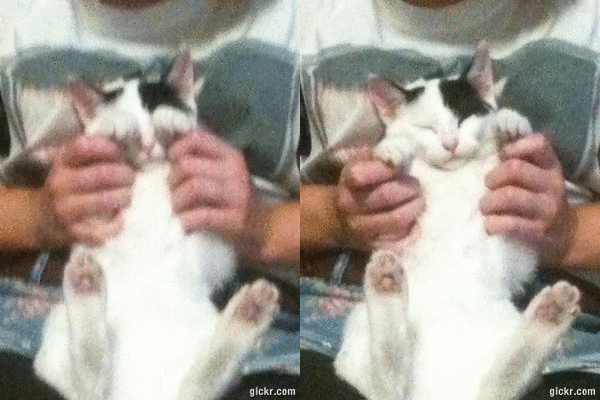
First, choose the meme you want to use. I choose this one because I think it's adorable.
Second, right click on the image and click copy image and select "copy image address" No gifs of this so watch a kitty play peek-a-boo.
Third, slap it onto the tread (paste it) If it is too long, over a page of scrolling or so, you will have to find a different gif.
Then click "img=" It should be right under "ping users" and to the far right
No. Stop Pikachu! You can create a gif. Believe in yourself.
Copy and paste the "link address" from the gif (need to right click). You can type it if you want. You're nearly there:
Hit confirm and party:
Fastnatalie1
Level 70
The Kind-Hearted
Joined: 7/17/2018
Threads: 118
Posts: 2,083
Posted: 3/25/2019 at 8:07 PM
Post #2
bump
Confirm Action
Are you sure you wish to delete this post?
Confirm Action
Are you sure you wish to restore this post?
Confirm Action
Are you sure you wish to report this post?
Go to Top
This Page loaded in 0.007 seconds.
Terms of Service | Privacy Policy | Contact Us | Credits | Job Opportunities